

Appearance
EEforce 26.12 documentation
Keep your PCB designs, their history, and your team's reviews together. Choose a starting point below, or read the introduction for an overview.
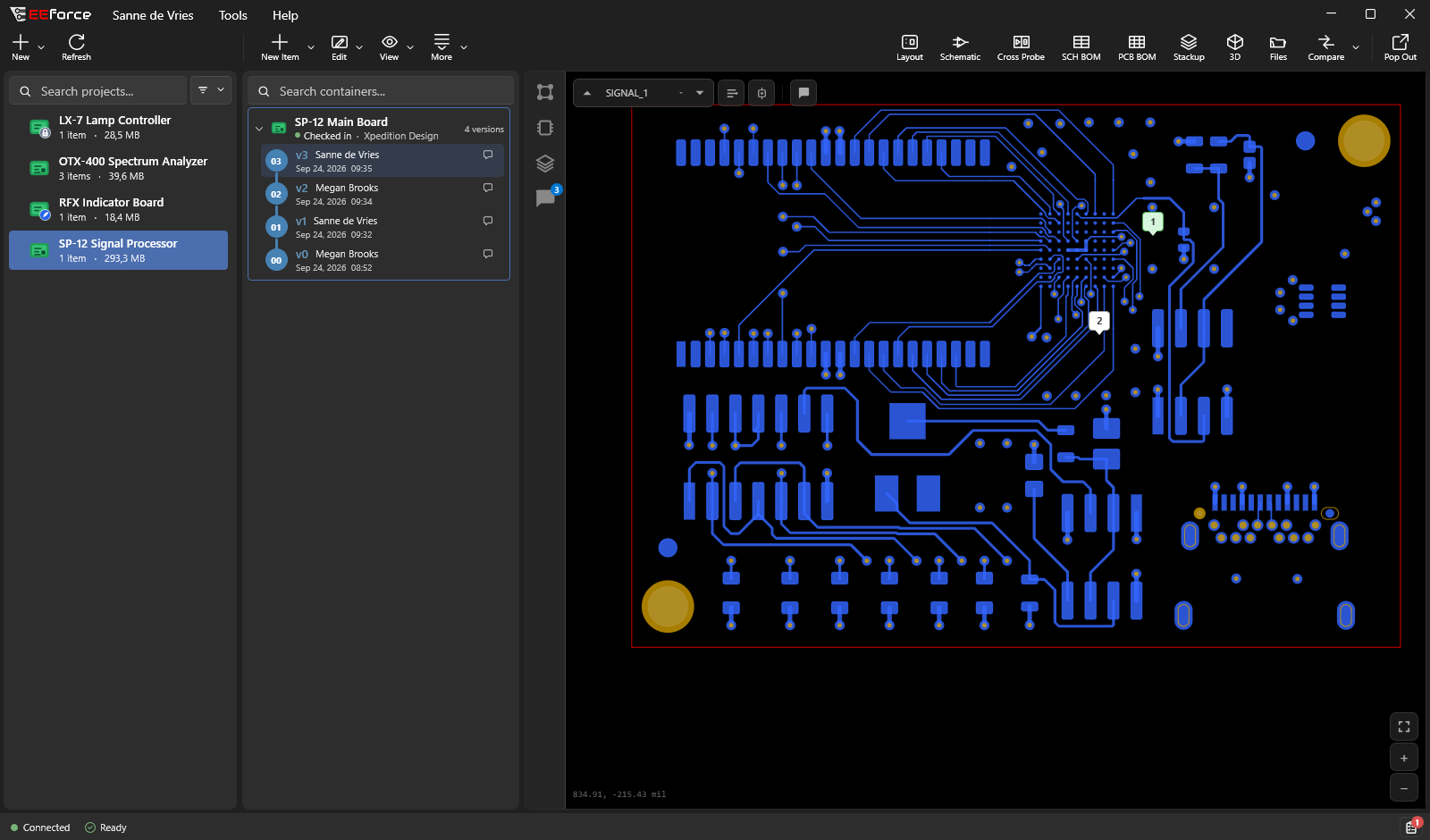
Start with your task
| I want to… | Start here |
|---|---|
| Set up the desktop app | Install EEforce, then sign in |
| Review a board without installing anything | Open EEforce 365 |
| Find my way around the app | Take the window tour |
| See what changed | Compare versions or boards |
| Discuss a design with my team | Comments, areas, and sketches |
| Edit a board and save a version | Check out and check in |
| Set up or administer a server | Server installation and web administration |
| Free up server space, or restore something deleted | Storage Assistant |
Watch a design review
A short recording from the desktop app: zoom into the vector layout, inspect a net, open a pinned comment with its sketch, and browse the team's review. The final views show cross-probe and 3D.
To try it yourself, start with Previewing Designs and Reviewing Designs Together. The recording uses a test project; the screenshots elsewhere in this guide use the fictional Kestrel Dynamics dataset.
Upgrading to 26.12?
The new desktop client, EEforce 365, and the EEforce Companion bring design review into more of your workflow. Administration now lives in the browser.
See what's new and what to check before upgrading →
Need a hand?
Browse the frequently asked questions, check access and roles, or troubleshoot your connection.
Showing EEforce to someone?
The customer demo walkthrough is a presenter's script for the demo deck — storyline, talking points, real screens and the questions customers ask — that can be read straight through or used live.