

Appearance
Introduction
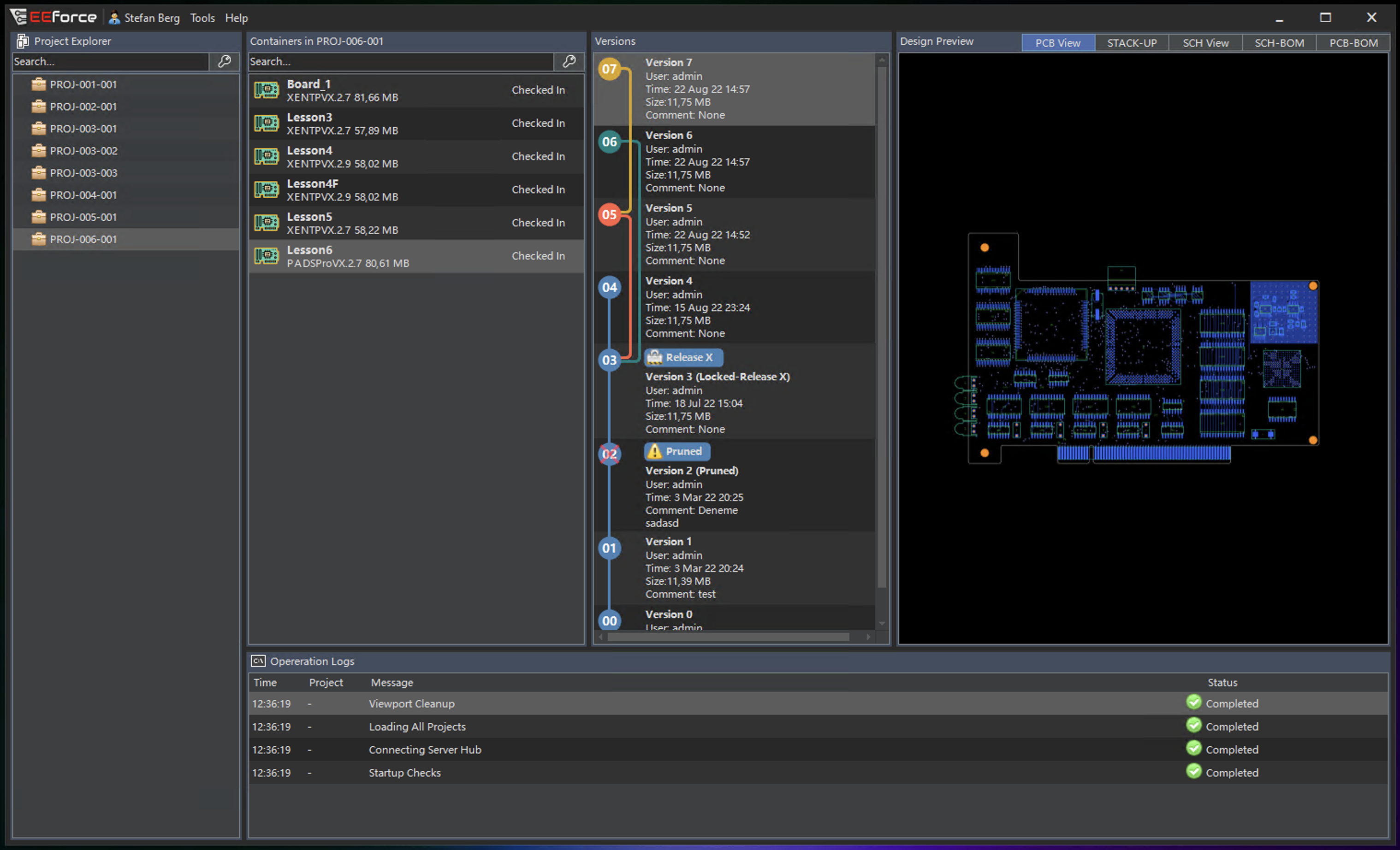
EEforce is a design lifecycle management (DLM) platform purpose-built for Siemens EDA tools - Xpedition and PADS Professional. It provides centralized version control, access management, and collaboration for PCB design teams.
Architecture
EEforce uses a client-server architecture:
| Component | Role |
|---|---|
| Server | Stores all design files as versioned objects in an isolated vault. Manages users, groups, licenses, and access control. Runs as an IIS application on Windows Server. |
| Client | Desktop application (Windows) that provides the UI for browsing projects, checking designs in/out, previewing content, and managing settings. |
| Web Admin | Browser-based administration panel for managing users, groups, projects, and server settings. |
Core Concepts
Projects
Projects are the top-level organizational unit. Each project contains one or more Containers (design files). Access permissions are configured at the project level using role-based assignments.
Containers
A container holds a versioned design - typically a PCB board, schematic, or multi-board panel. Containers track full version history and support check-out/check-in workflows.
Version Control
EEforce uses a lock-based version control model:
- Check out a design to begin editing (locks it for other users)
- Check in to upload changes as a new version
- Cancel check-out to discard changes and release the lock
Access Control
Projects use role-based access with three levels:
- Viewer - read-only access
- Contributor - can check out and check in designs
- Manager - full control including member management
See Access Model for complete details.
Key Features
- Seamless integration with Xpedition and PADS Professional design tools
- Built-in previews for PCB layout, schematics, stack-up, and BOM
- Role-based access control with per-project granularity
- Unlimited version history for all design files
- Remote working support with export/import packages
- LDAP/Active Directory integration with group synchronization
- SSO support via external identity providers
- Low resource footprint - minimal CPU and memory usage
- Web-based administration - no need to install tools on the server
Supported Design Tools
| Tool | Versions |
|---|---|
| Siemens Xpedition | All VX versions, 2409, 2504, 2604 |
| Siemens PADS Professional | All versions |
TIP
Any file type can be stored using Folder containers, but seamless editor integration (open, preview, BOM extraction) is available only for Xpedition and PADS Professional designs.
What's Next
- Server Installation - Set up the EEforce server
- Client Installation - Install and configure the desktop client
- Release Notes - See what's new in this version