

Appearance
EEforce Client Administation Options
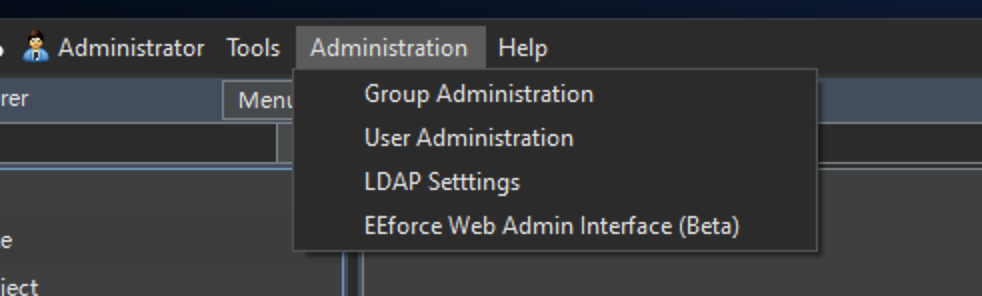
As in web interface, Administrator user can manage users, groups and LDAP configuration from the EEforce Client. We are going to retire these interfaces in future versions as we see Web Interface has been maturated. We recommend you to try the Web Interface first.
Group Administration
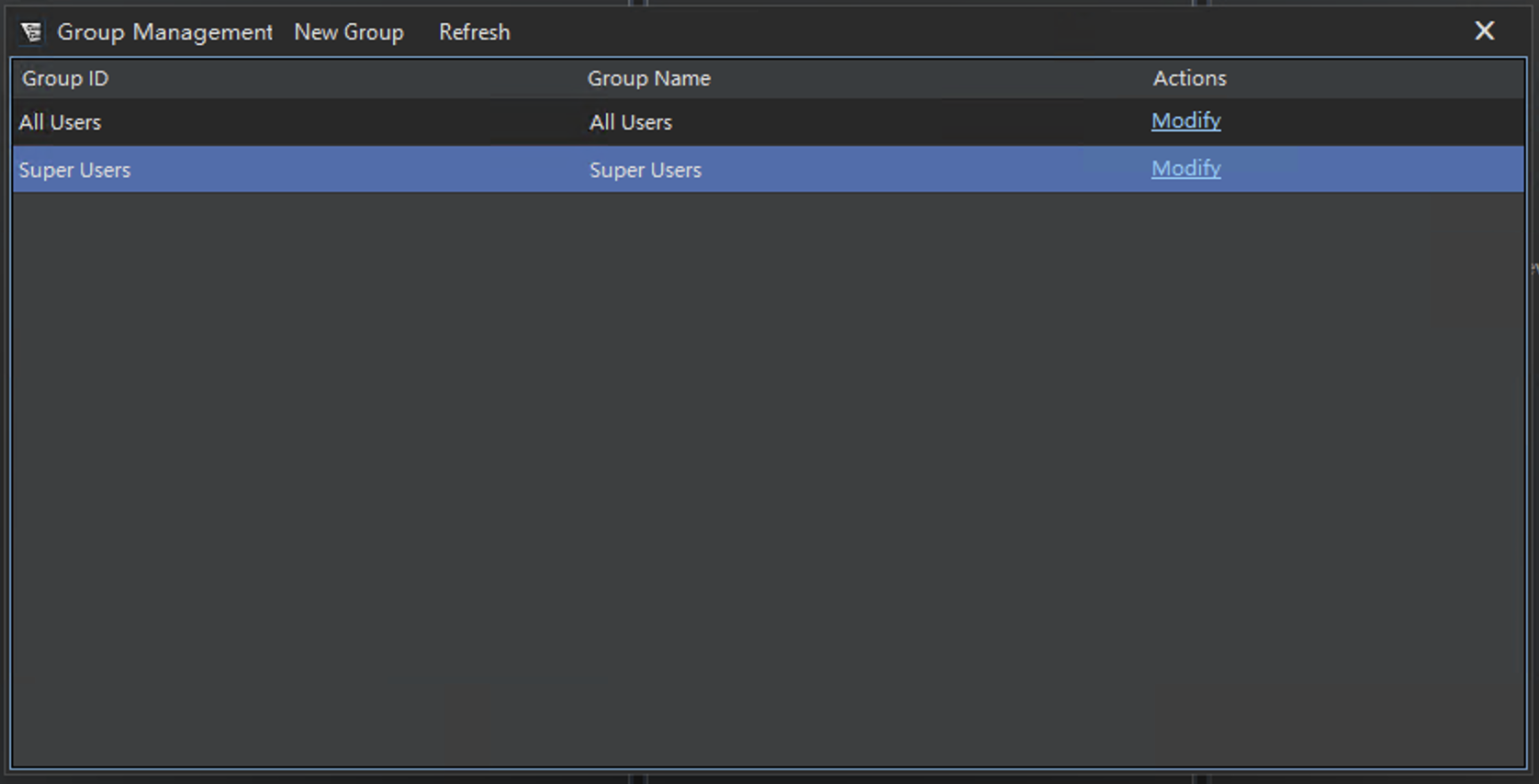
Under the Group Management Window, you can create, modify, and delete user groups. You can also assign users to groups and manage group permissions.
User Administration
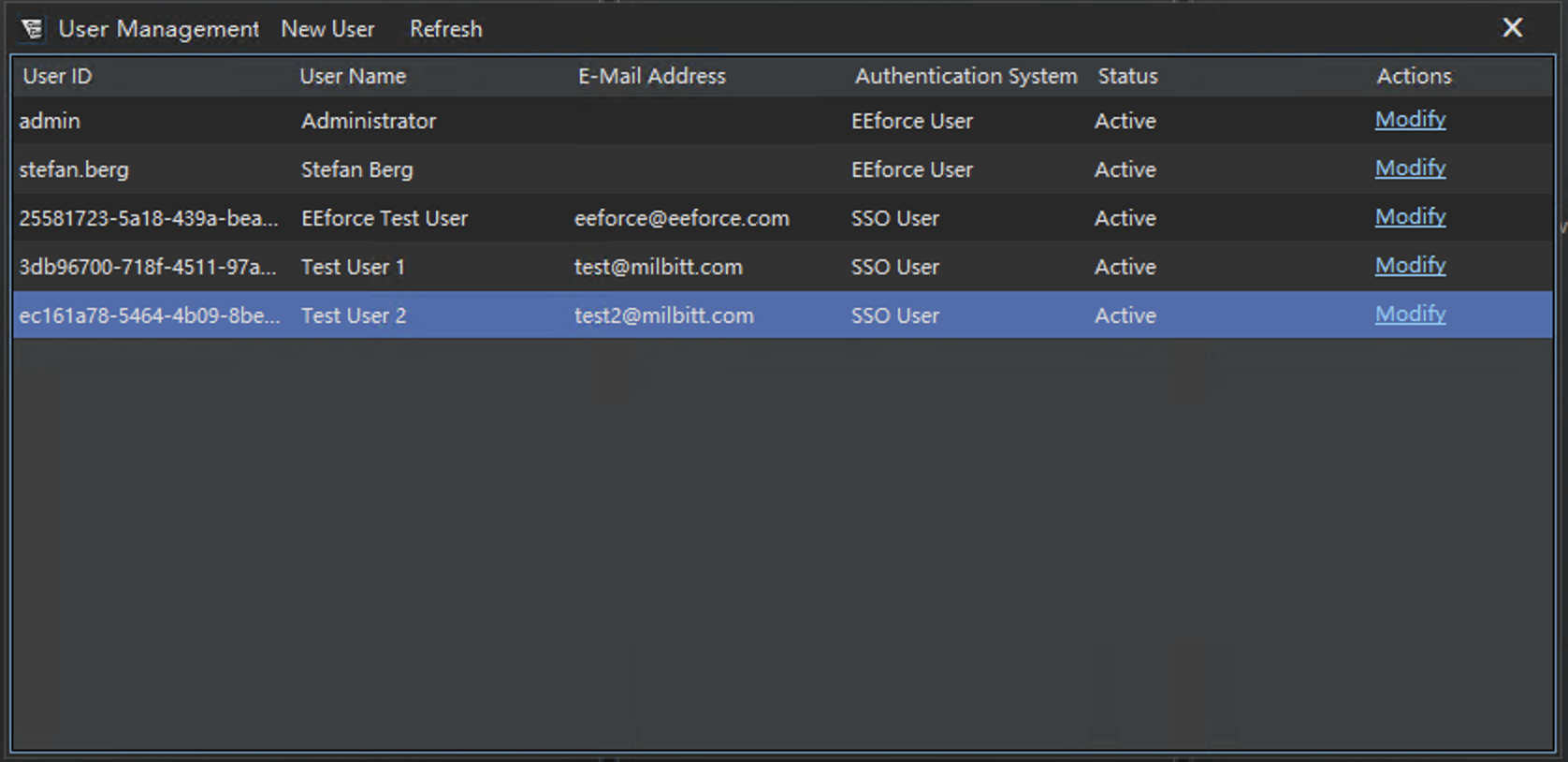
Under the User Management Window, you can create and modify user accounts. There are certain limitation based on user type, such as SSO users cannot be modified through this interface because all information is coming from the designated Identity Provider.
LDAP Configuration
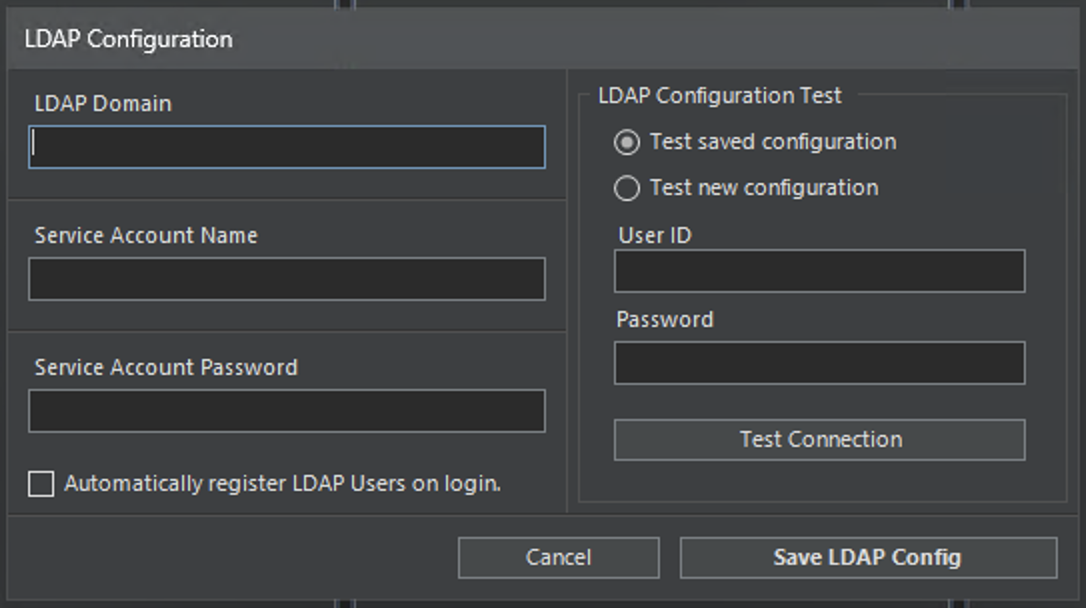
Under the LDAP Configuration Window, you can configure the settings for LDAP integration. This includes specifying the LDAP Domain, Service Account information. You can also test the connection to the LDAP server to ensure that the configuration is correct.
If you wish to automatically provision users from LDAP, you can enable the "Automatically Register LDAP Users on login" option. This will create user accounts in EEforce based on the information retrieved from the LDAP directory on their first attempt to log in to the server.
SSO Configuration
It's only possible to set up SSO details from the Web Interface. See Administration From Web Interface