

Appearance
EEforce Web based Administration Interface
INFO
To access the web interface go to this address from your browser:
<SERVER-ADDRESS>/Admin
Login Dialog
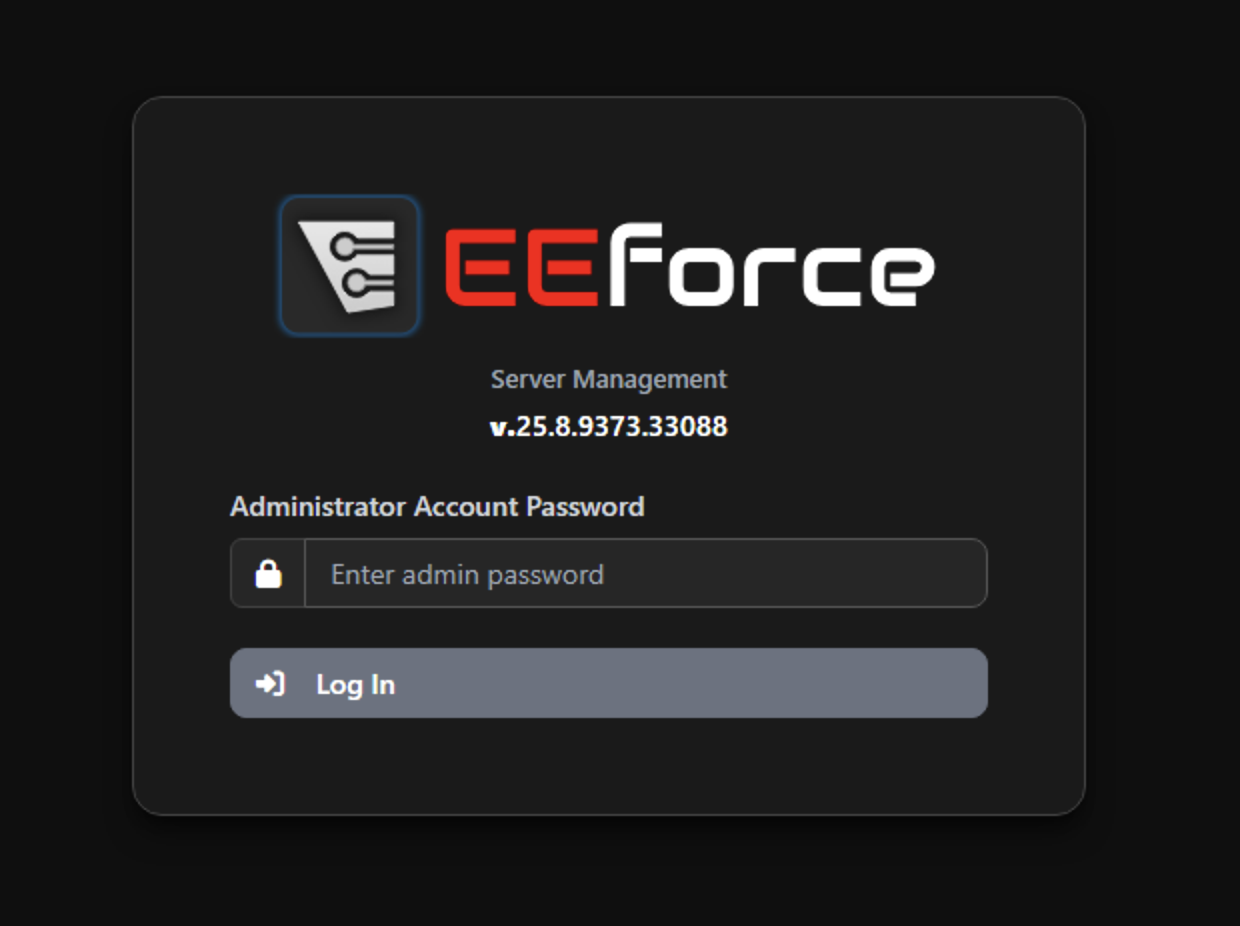 You will be asked to provide Administrator password as it's meant to be used by Administrator only.
Dashboard
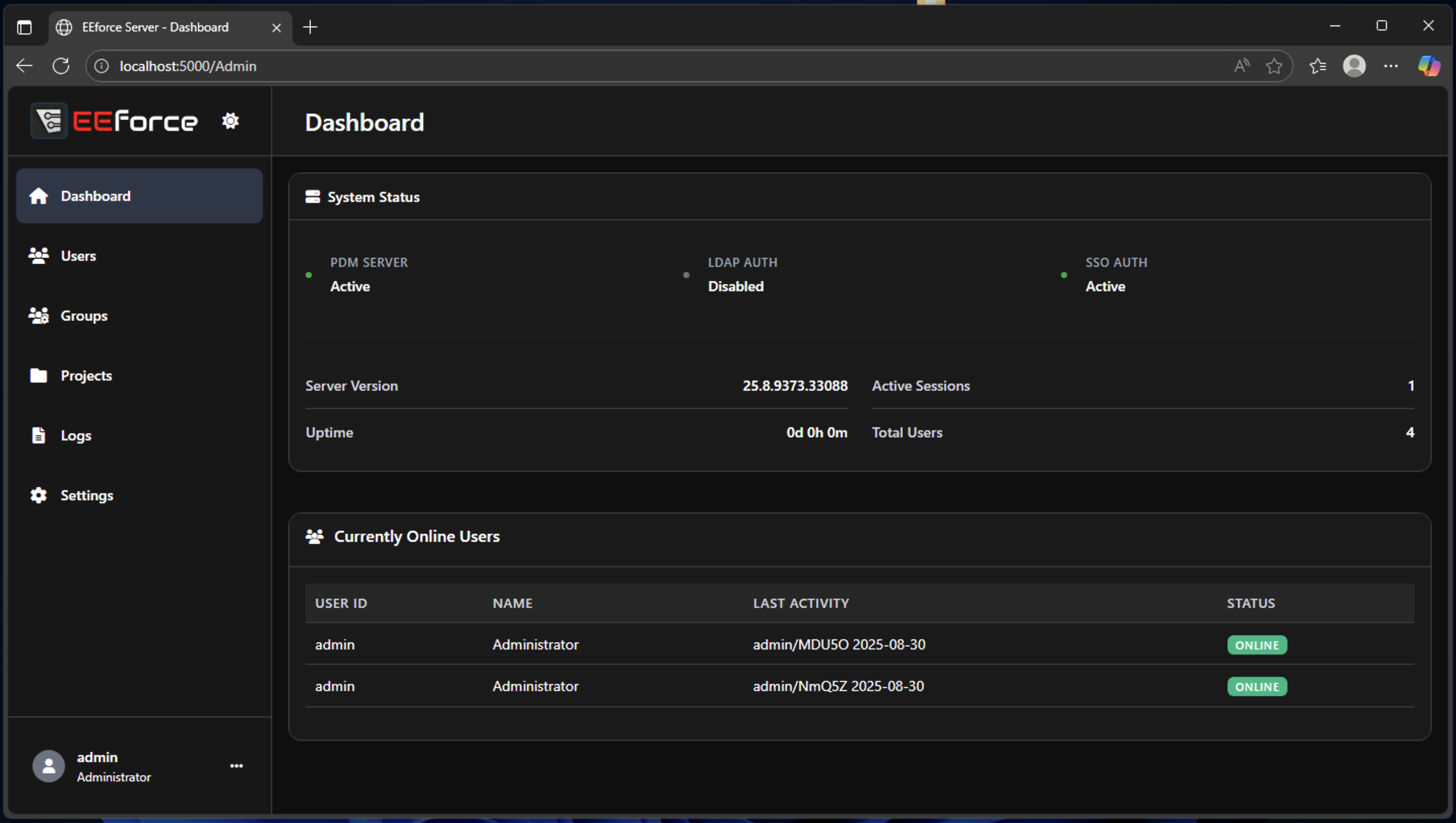
Dashboard page is designed to provde you a basic overview about the server status. You can monitor the server uptime, active services and users.
User Management
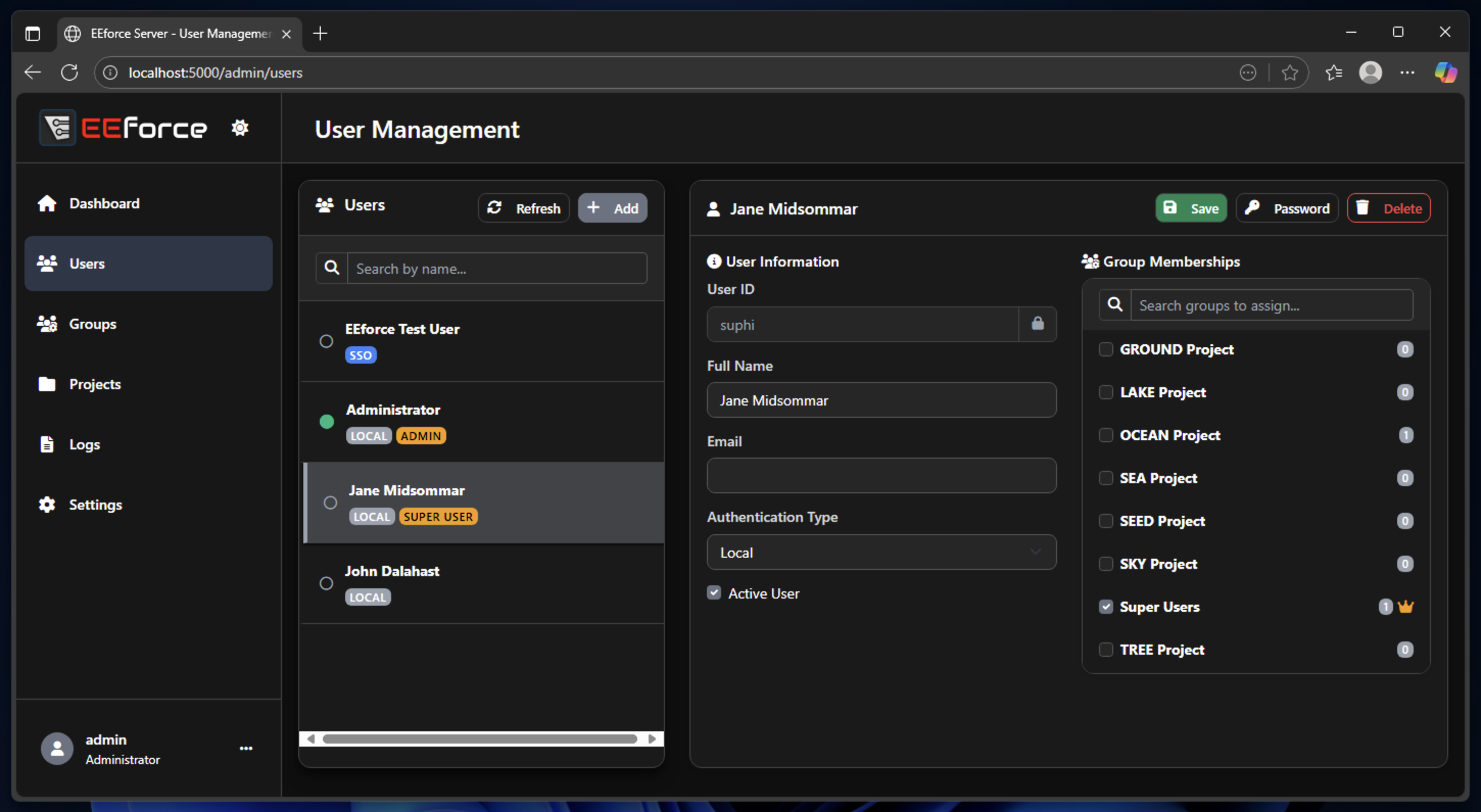
In User Management page, you can create, modify and delete users. Select an user from the list and modify its name and which groups it's a part of.
Group Management
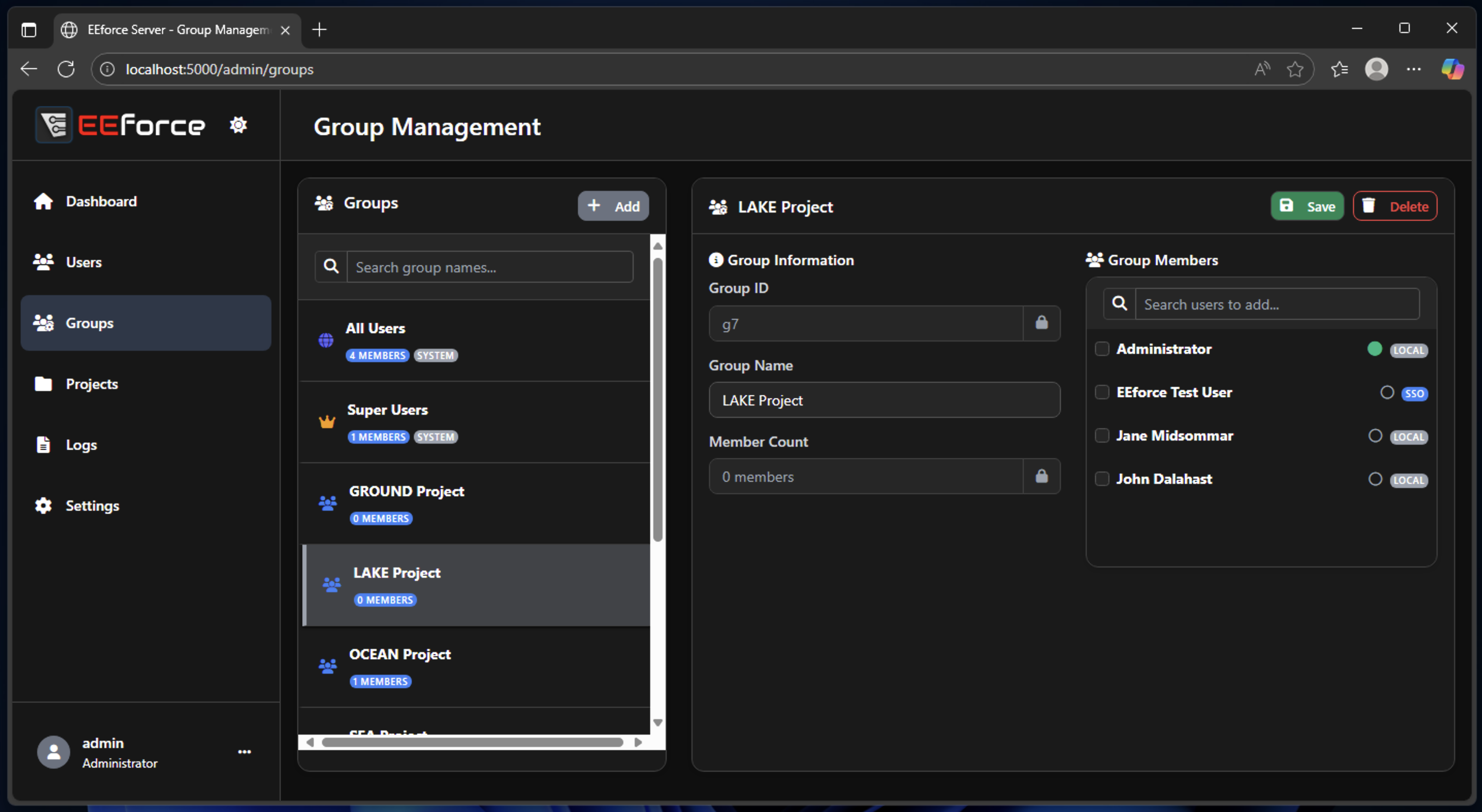
In Group Management page, you can create, modify and delete groups. Select a group from the list and modify its name and member users.
Project Management
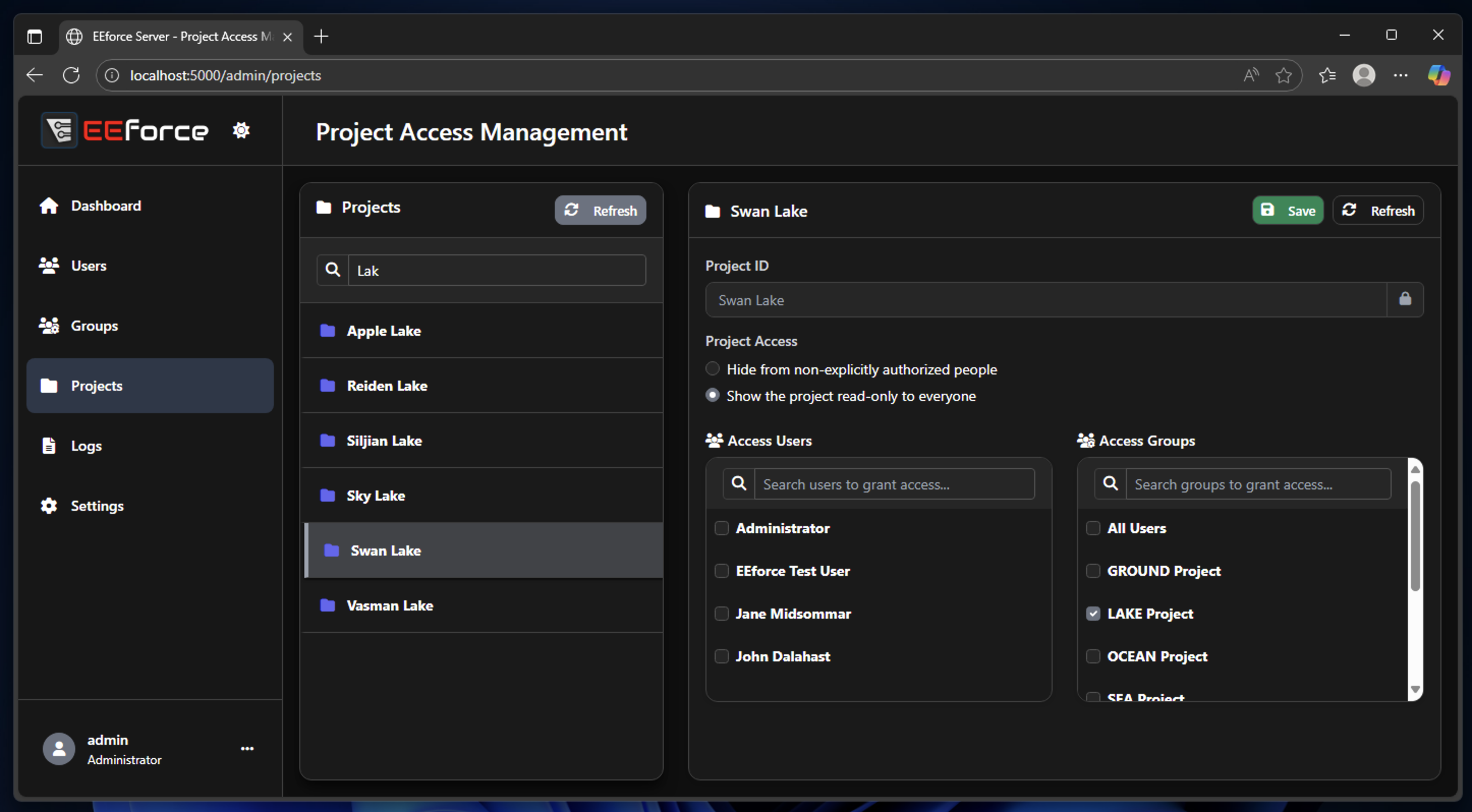
In Project Management page, you can modify groups' access configuration, user list and group list. Note that it's currently not possible to create or delete or rename a project in the web interface as they have deep links with vault and the file system, we approach these objects with caution.
Logs
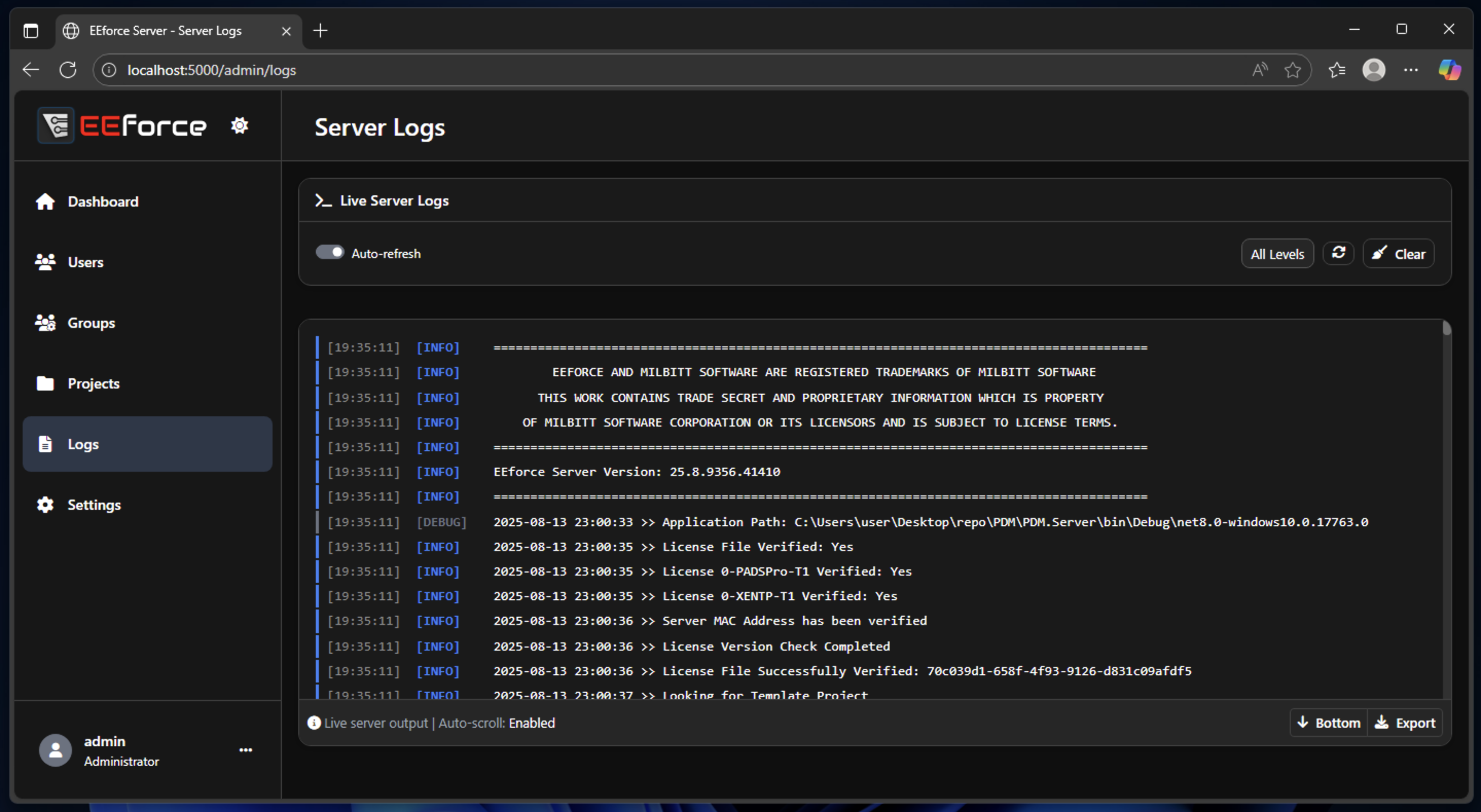
In Logs page, you can monitor the activity on the server side. It's helpful to identify issues see debug information.
Settings
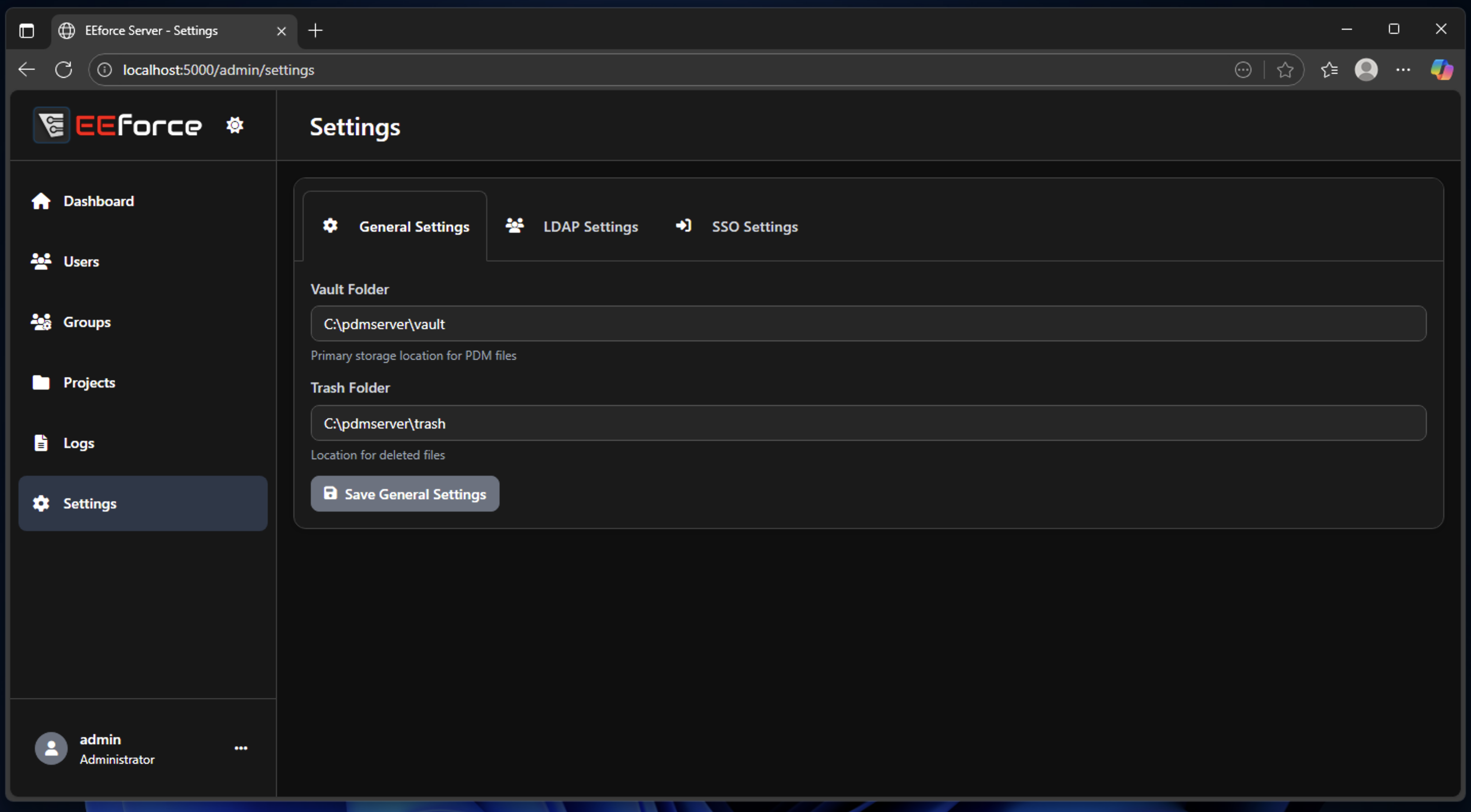
In Settings page, you can modify certain parameters like system folder, SSO and LDAP Configuration. Please note that the system folder location changes are only becomes effective after server restart.
Restart the Server/Log Out
Click the three-dots menu icon next to user name, located in bottom left of the page. Click Restart Server button to access Server Restart Confirmation Page. Likewise, click on the Logout button to Log Out from the interface.
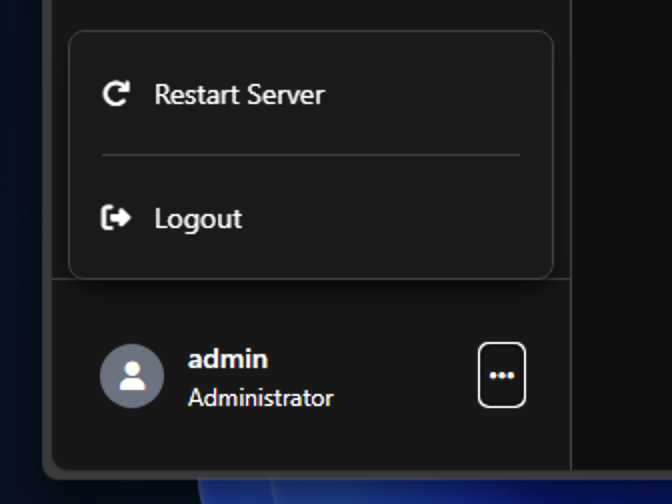
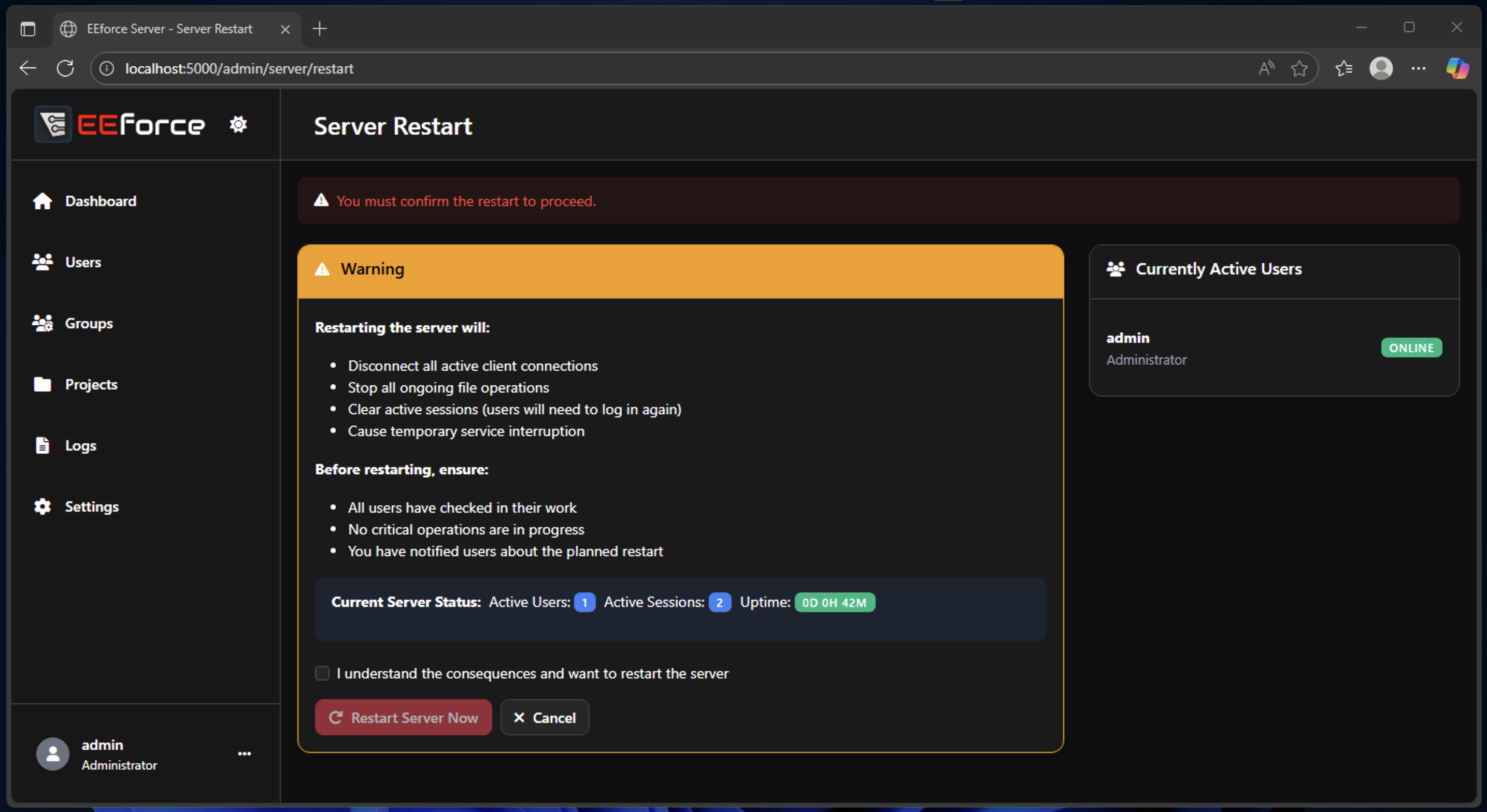 The Restart procedure should be done with caution. The users must be logged out before restarting the server.